
MachineTranslation.com Connector
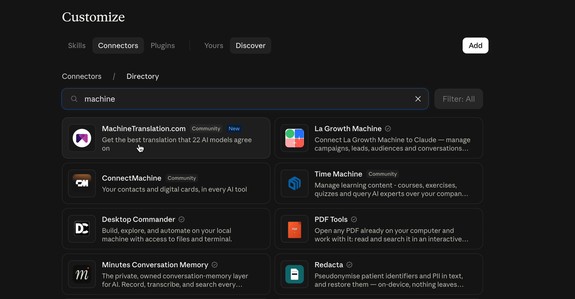
Showcase

Pricing Information
The MachineTranslation.com Connector is included … Read more
#AI Automation Tools, #AI Translator, Translation, Translation Services

DESCRIPTION:
What is the MachineTranslation.com Connector
The MachineTranslation.com Connector is a remote MCP (Model Context Protocol) server that adds reliable AI translation to your favorite AI assistant. Once you connect it, you can translate text in the conversation you’re already having, with no extra tabs, browser extensions or copy-pasting.
How it works
Every request goes through SMART Translation, MachineTranslation.com’s consensus engine. Instead of trusting one AI model, SMART compares the outputs of several leading models and returns the translation most of them agree on. That means fewer mistranslations, fewer hallucinated words, and more consistent terminology.
Key features
- 330+ languages: covers more than 72,600 language pairs, including low-resource languages
- Consensus-based accuracy: the output reflects agreement across multiple AI models, not a single engine’s guess
- Works in your assistant: compatible with any AI assistant that supports MCP connectors
- Persistent login: you authorize once and stay connected across sessions
- Simple setup: just add a remote server URL, with no code or local install
Available tools
- smart_translate: translates text from a source language into a target language
- list_languages: returns all supported language codes so you can choose the right pair
Use cases
- Translating emails, documents and messages while you work with your AI assistant
- Localizing product copy, support replies and marketing content
- Checking a translation’s meaning before you send it to a client or colleague
- Multilingual research and summarization workflows
Getting started
- Open your AI assistant’s connector or integration settings.
- Add a custom remote connector with this server URL: https://www.machinetranslation.com/mcp
- Log in to your MachineTranslation.com account to authorize.
A paid MachineTranslation.com subscription is required.
RELATED TOOLS
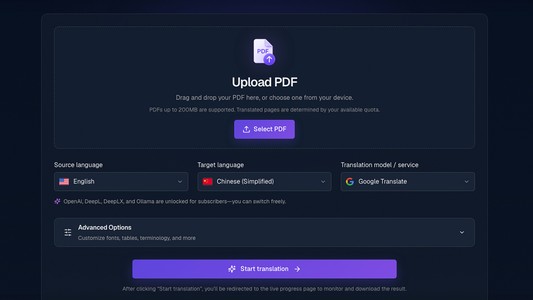
 PDF Translate
PDF Translate is a browser-based AI PDF translator designed for people who work… Learn more
Pricing Tag: Freemium

 Journey Pal
Translation and Audio Guide SoftwareJourney Pal provides software to produce an… Learn more
Pricing Tag: $ 200.00/monthly
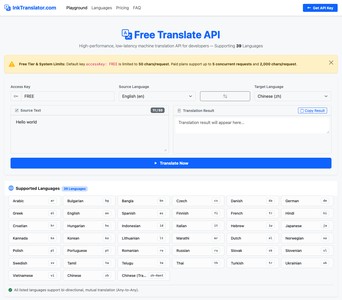
 InkTranslator.com
**Instant Free Testing with Zero Registration**Start building immediately witho… Learn more
Pricing Tag: Freemium (starts at $ 7.00/one-time)

 Kwirk
Kwirk
Kwirk is a cutting-edge office program that offers a suite of improved producti… Learn more
Pricing Tag: $ 4.00/monthly
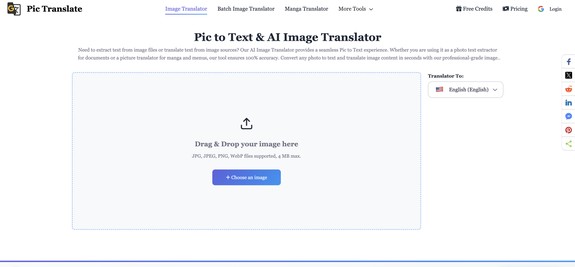
 PicTranslate
A professional AI image translator and OCR tool. It accurately recognizes and t… Learn more
Pricing Tag: Freemium
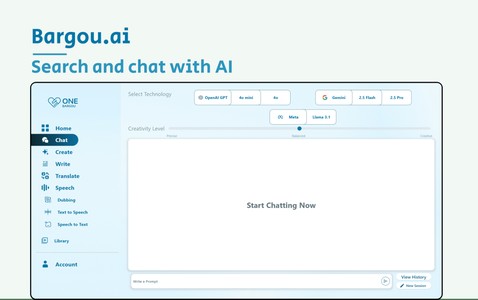
 Bargou One
Bargou One is an all-in-one suite for AI chat, image, music & video creatio… Learn more
Pricing Tag: Pricing not specified

 TMUDFD Conversational AI Chatbots
TMUDFD - The best way to receive & conduct business with Visitors & Cli… Learn more
Pricing Tag: Pricing not specified

 proGPT
ProGPT offers personalized AI solutions tailored to business needs. Key feature… Learn more
Pricing Tag: Freemium
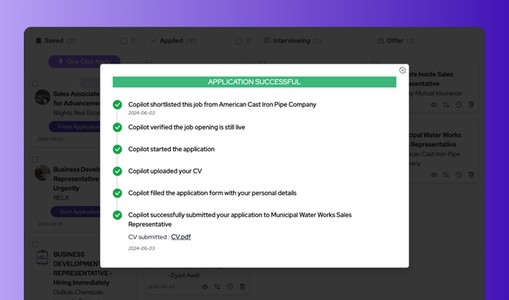
 JobsAICopilot
JobsAICopilot is an AI job application bot. Every day it scans 600,000+ company… Learn more
Pricing Tag: $ 33.69/monthly
No comments yet.