LATEST AI NEWS
Voice Search
LLM Pricing

![]() One sentence to a narrated animated film
 One sentence to a narrated animated film
Explainer Video Generator turns one sentence into a 15 to 60 second animated ex… Learn more
Pricing: $ 19.00/monthly
![]() Two portraits to a neon hologram clip
 Two portraits to a neon hologram clip
You Look Lonely makes a 12-second 16:9 neon-city clip from two solo portraits: … Learn more
Pricing: $ 5.00/one-time
![]() Translate text inside a photo, keep layout
 Translate text inside a photo, keep layout
Edit Photo Text AI changes text that is printed in a picture. Type the words as… Learn more
Pricing: Freemium (starts at $ 0.50/one-time)
![]() One product photo to a grid of ad shots
 One product photo to a grid of ad shots
Product Grid AI turns one product photo into a 2x2 or 3x3 contact sheet of adve… Learn more
Pricing: $ 1.00/one-time
![]() A cappella maker for your own recordings
 A cappella maker for your own recordings
Stem Split AI separates a song file you own into five stems: vocals, instrument… Learn more
Pricing: Freemium (starts at $ 0.50/one-time)
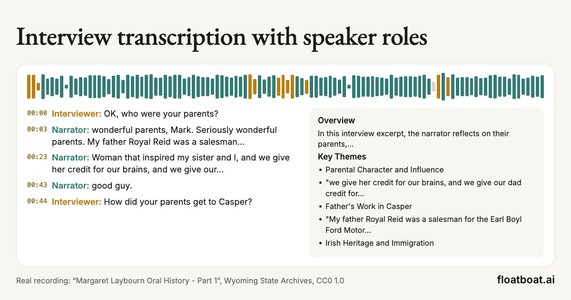
![]() Focus group transcripts
 Focus group transcripts
Floatboat Interview Transcription turns research interviews, user research sess… Learn more
Pricing: Pricing not specified

![]() Edit text in a screenshot and keep its style
 Edit text in a screenshot and keep its style
Floatboat Edit Text in Image is a browser tool for changing the words that are … Learn more
Pricing: $ 1.00/one-time
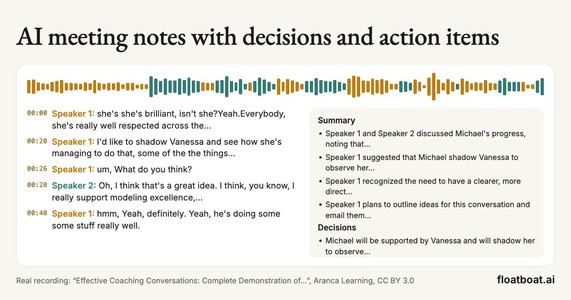
![]() Upload a phone recording, get meeting notes
 Upload a phone recording, get meeting notes
Floatboat AI Meeting Notes works from a recording instead of a bot in your call… Learn more
Pricing: Pricing not specified
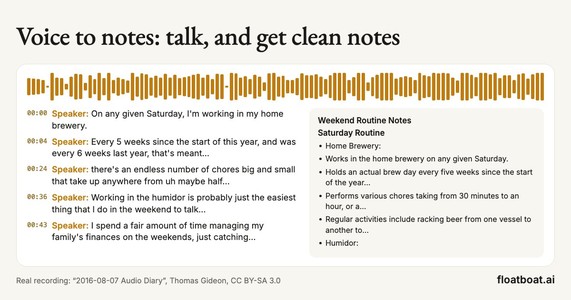
![]() Lecture recording to organized study notes
 Lecture recording to organized study notes
Floatboat Voice to Notes turns rambling speech into something you can use. Tap … Learn more
Pricing: Pricing not specified
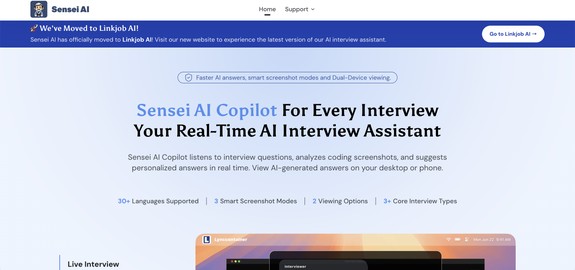
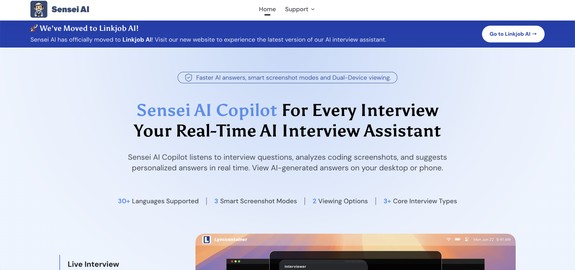
![]() Sensei AI Copilot
 Sensei AI Copilot
 is a real-time AI interview assistant for live conversations,… Learn more
Pricing: Freemium
![]() AI Interview Copilot
 AI Interview Copilot
 is a real-time AI interview assistant for live job intervi… Learn more
Pricing: Freemium

![]() Clone Web AI
 Clone Web AI
 gives you ready-to-paste website prompts for Lovable, v0, Cursor, … Learn more
Pricing: Freemium

![]() Useaily
 Useaily
 is a free, independent AI tool planner and pricing directory for indivi… Learn more
Pricing: Free
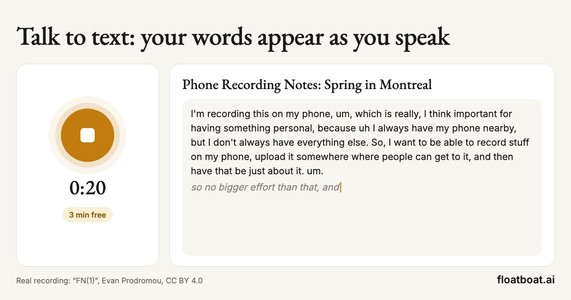
![]() Hands-free drafting with edit-as-you-talk
 Hands-free drafting with edit-as-you-talk
Floatboat Talk to Text is live dictation in the browser. Press Start and talk; … Learn more
Pricing: Freemium
Frequently Asked Questions
- Use text search and apply filters like pricing, tool type, launch period and whether it's free.
- Use the ASK AI feature.
- Try voice search by clicking the mic icon (supported in Chrome, Safari, Opera and Microsoft Edge).
- Browse tools by categories or popular tags
- You can sign up or sign in using the following options:
- Manual sign-in with your username and password
- Sign in with Google
- Sign in with GitHub
- Sign in with X (formerly Twitter)
- Ensure your account has an associated email for the following reasons:
- To receive important notifications
- To reset your password if needed
- For account verification
- If your account doesn't have an email associated, you can:
- Navigate to your dashboard
- Go to 'Manage Email'
- Add a new email and make it your primary email
- Request email verification
- Signing in is important for:
- Accessing your personal dashboard
- Adding, managing, and editing your AI tools
- Bookmarking and rating AI tools
- Commenting on AI tools
- Managing social accounts and emails
- Viewing your activity history and managing your profile
- You must be signed in to your account to rate and comment on AI tools.
- Navigate to the tool's detail page to find the rating and comment section.
- For rating, use the 5-star rating system; the average rating and number of users who rated will be displayed.
- To leave a comment, type in the comment box and submit.
- You can update your ratings or delete your own comments if needed.
- All your ratings and comments are saved and can be viewed in the 'My Activity' section of your dashboard.
- Click on the 'Submit' button located in the navbar.
- Fill out the submission form with the following details:
- Tool's name
- Upload a Showcase image (optional)
- Upload a Logo (optional)
- Description
- Tool URL
- Pricing (optional)
- Choose Related tags
- If your account has an associated email, you'll receive a confirmation email with further instructions on managing your tool.
- Ability to rate, bookmark, comment, and share tools
- Tool previews and QR code access
- Robust search funtionalities
- Ability to Submits to the platform
- Personal dashboard to manage tools and activities
- Email management and social account integration
- Activity tracking for all interactions on the platform
- Latest AI News Articles: Stay updated on the latest trends, breakthroughs, and developments in the AI industry.
- Hottest Products Released: Discover new and innovative AI tools and products as they hit the market.
- Other AI-Related Articles: Explore a variety of topics related to artificial intelligence, from in-depth analyses to how-to guides.
Visit our blog at AI Finder Guru Blog to dive into the world of AI and stay informed about everything AI-related.
TRENDING AI PRODUCTS ARTICLES

Shortical Launches Microdrama Streaming Platform …
For the most part, the content offered by the microdrama startup Shor…

Spotify Founder Daniel Ek Backs Europa Fusion, a …
Spotify founder Daniel Ek has thrown his support behind Europa Fusion…

Apple Launches Development of AI Agent That Can U…
Apple is reportedly developing an AI agent designed to perform comput…

Everful Launches with $48.5M Series A to Connect …
Everful, a startup with offices in San Francisco and Singapore, has s…